App overview
A last-moment recorder for items you may need to find again later.
Left In A Moment
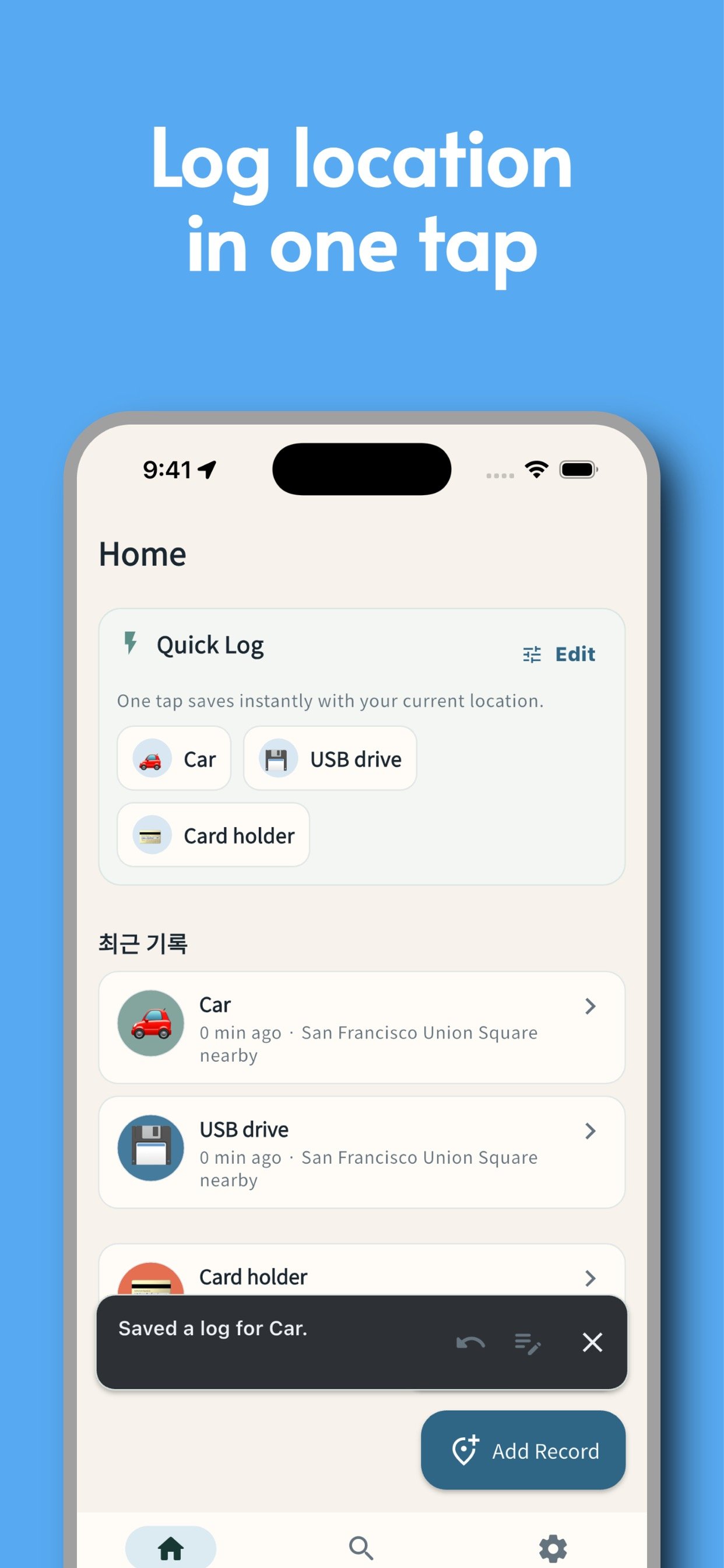
Left In A Moment is a context-first item finder for rushed moments: save where you set it down, check the screens, and come back with context instead of panic.
A last-moment recorder for items you may need to find again later.
It turns vague recall into searchable clues and a route back.
Records stay local first, backups can include photos, and valuables can stay masked.
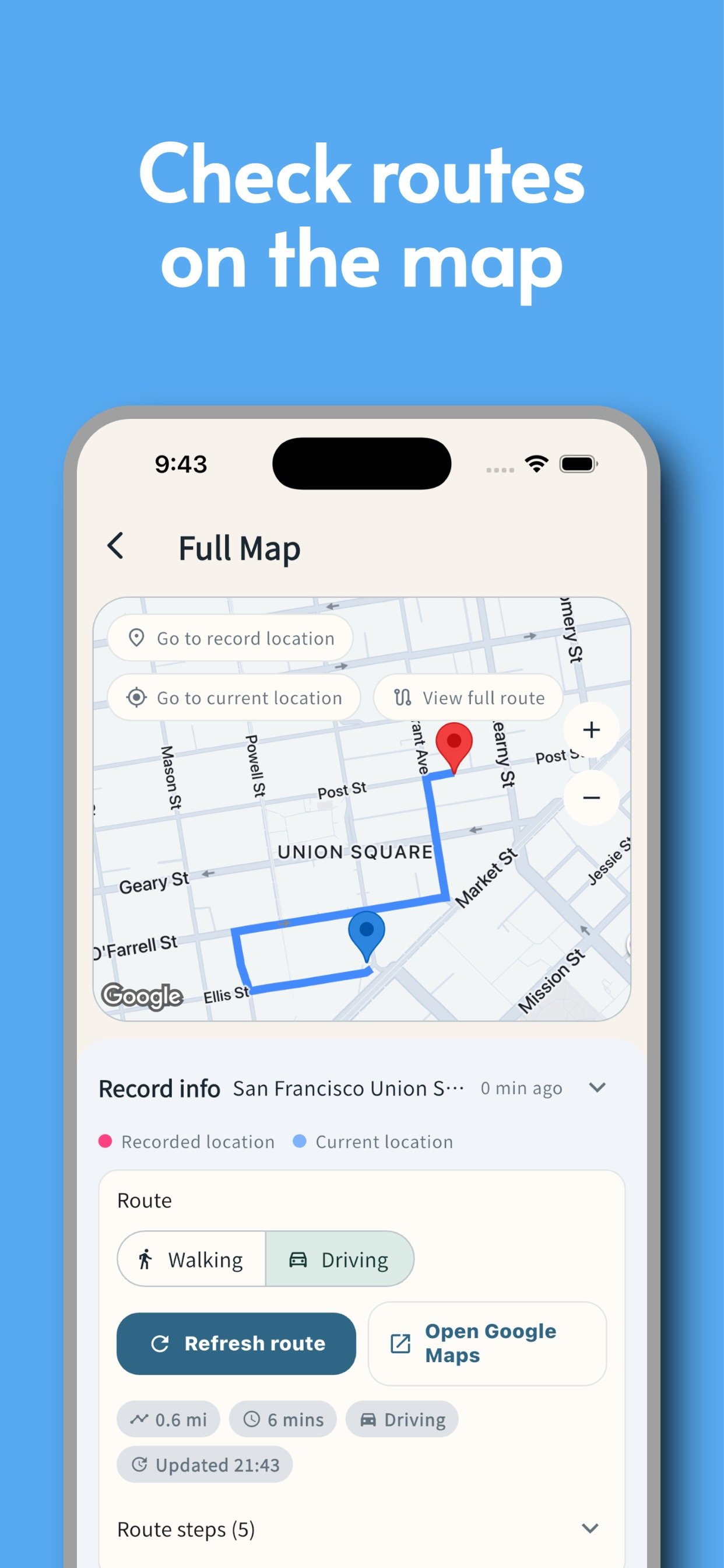
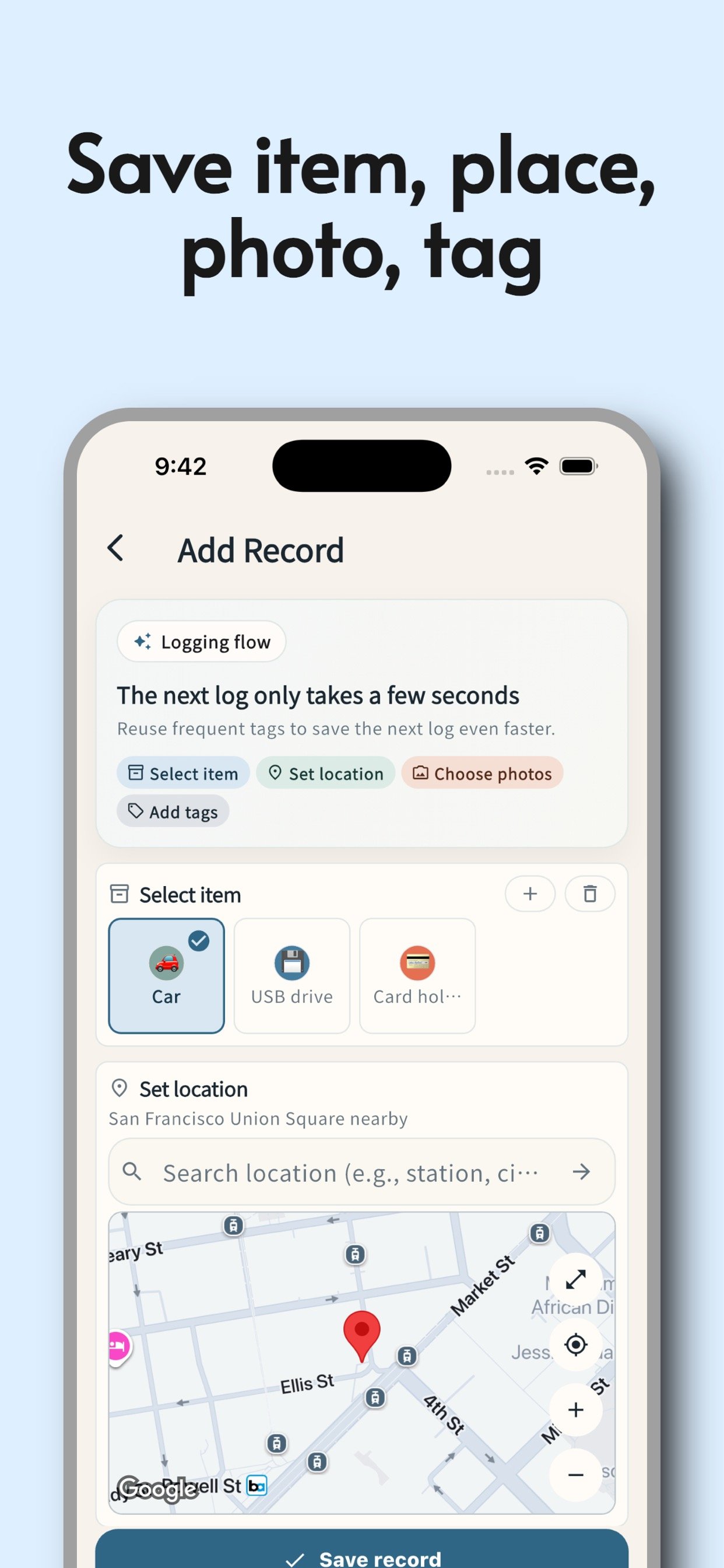
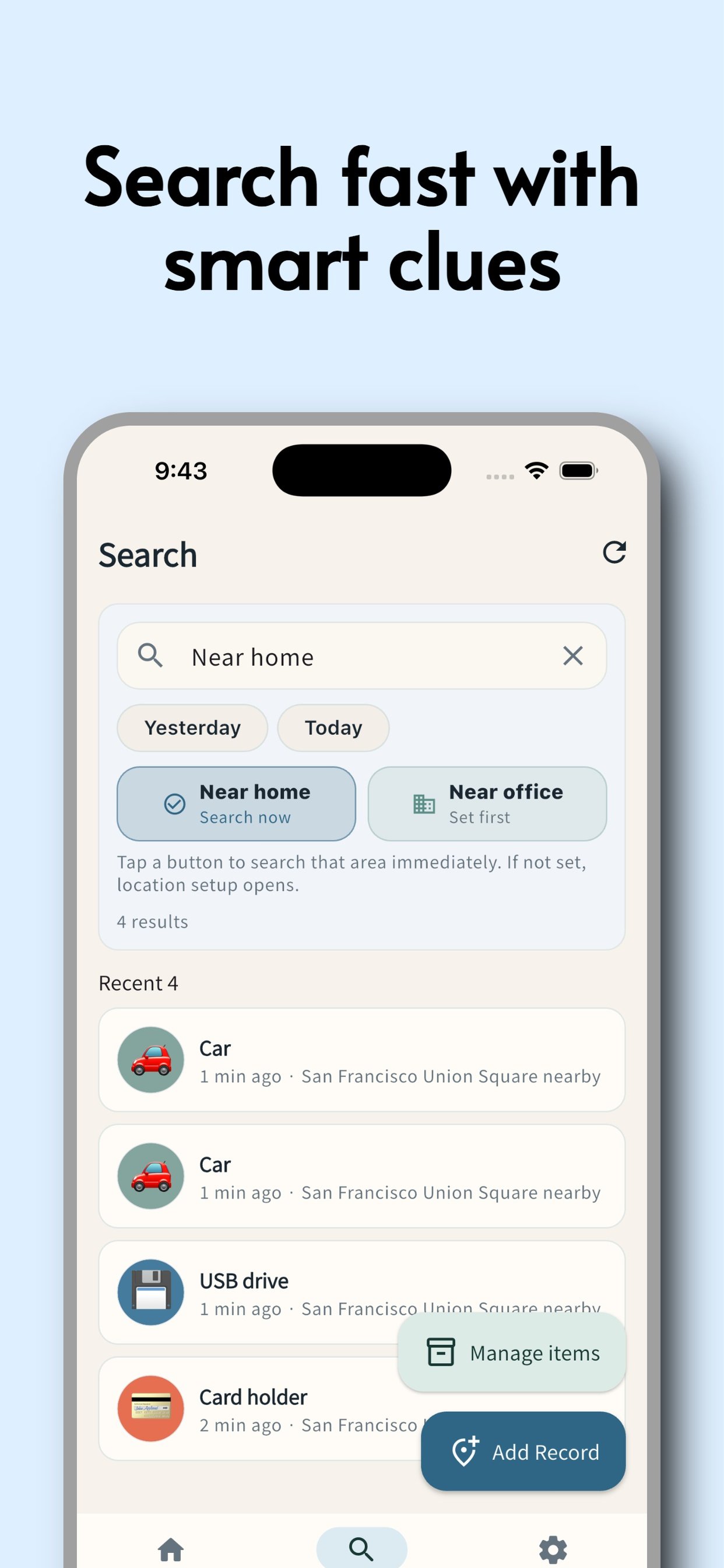
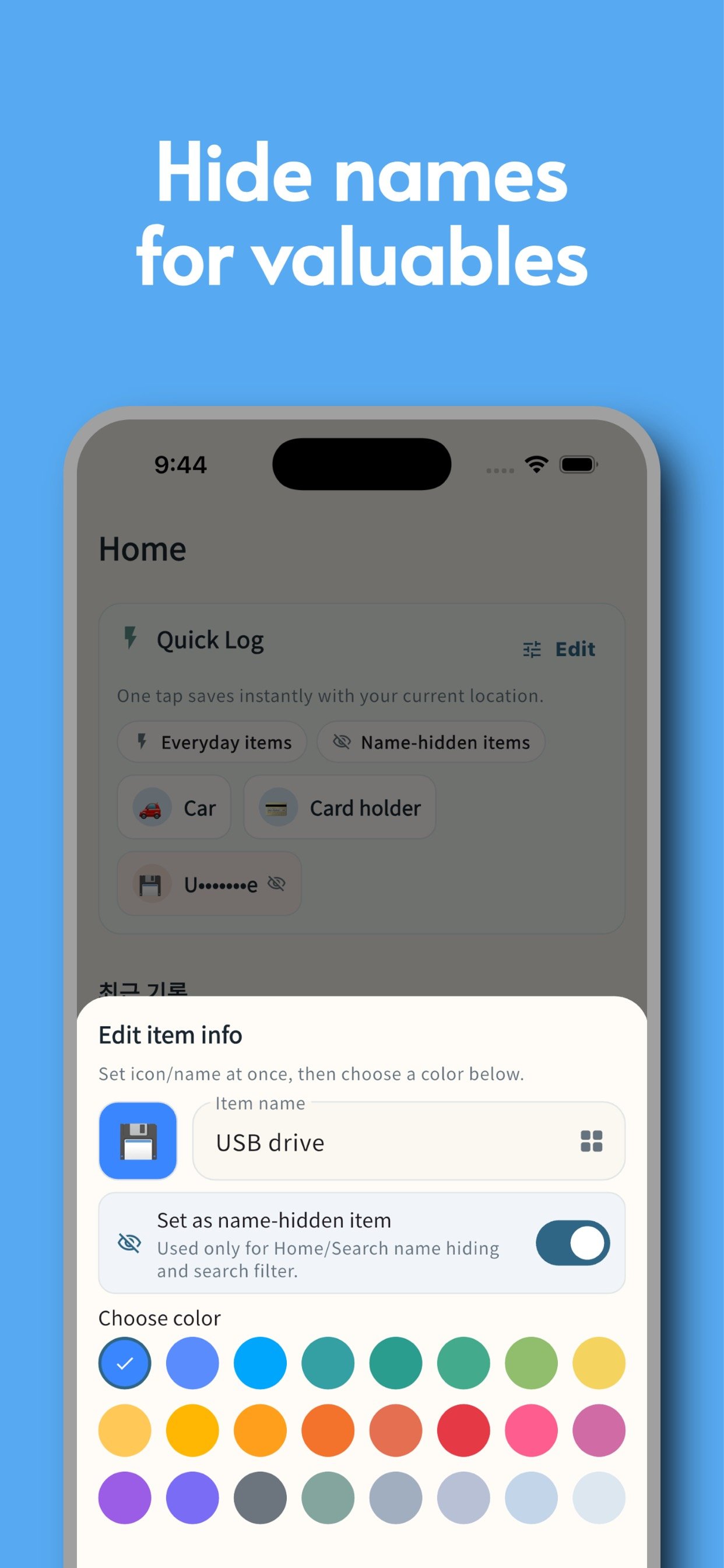
These are the real screens for capture, clue search, map return, and valuables masking.
Swipe sideways and tap any screen to open it larger.
The trust layer is simple on purpose: local-first storage, photo-aware backup, and external requests only for maps, routes, or ads when those features are used.
Items, logs, and settings stay on your device by default.
Current export and import include readable attached photo assets, so restores can bring context back too.
Maps, routes, geocoding, and ads can contact Google services only for those specific features.
Yes. The app is free, and Google AdMob ads may appear to support it.
On your device in app-managed storage. They are not uploaded by default.
Yes in the current backup flow, so backup files can grow when many photos are attached.
Saving and reading existing records works offline. Maps, place search, routes, and ads may need a connection.
You can still enter a place manually, but one-tap current-location logging and live route guidance become limited.
Yes. Valuable items can be filtered separately, and masked-name mode helps reduce shoulder surfing in shared spaces.
Record even the moments you almost missed.
On mobile, this button tries the matching store first. On desktop, choose the store you want below.
Depending on publication status, the store may open the app page or a matching search result first.